Written on November 10th, 2023
Greetings everyone! We wish you a happy Friday. One of the features that caught our eye while selling on eBay was one listing that featured multiple items for sale. When we looked at our mobile functionality, this was missing. A search found that using the Variations feature on the website app allows you to create multi-item listings. This Variant is not the Loki kind. 😏 We’ll walk you through step by step how to create multi-item listings that save you time and increase your sales. Too many listings make it hard to find things.
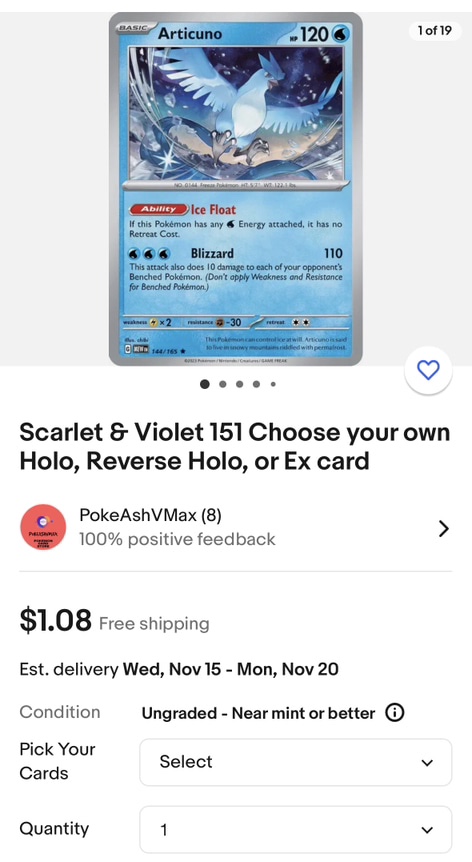
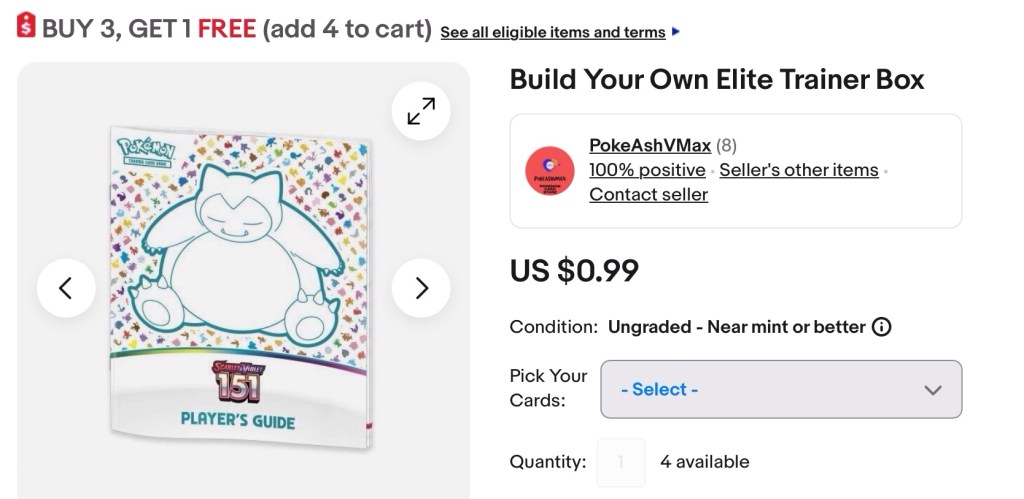
Two examples
Here are two examples of Variations listings we created.
How to create variations listings
eBay needs to work on adding this feature to the mobile app. The desktop version is clunky, outdated, buggy and time consuming.
Step 1: Go to the desktop eBay website
Step 2: Click my eBay -> Selling
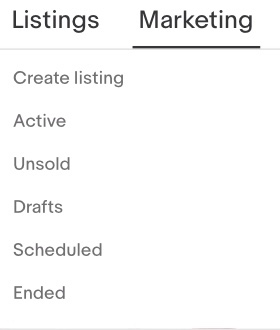
Step 3: Go to Listings -> Create listing
Step 4: Walk through the prompts to create a listing. If you have a template saved you can use it here.
Step 5: This is the key part. Edit Variations.

Step 6: Set the attribute (the field name) and field options. Choose carefully as the attributes and field values show up in the order you add them. You have to wipe them out and start from scratch if you make a mistake.
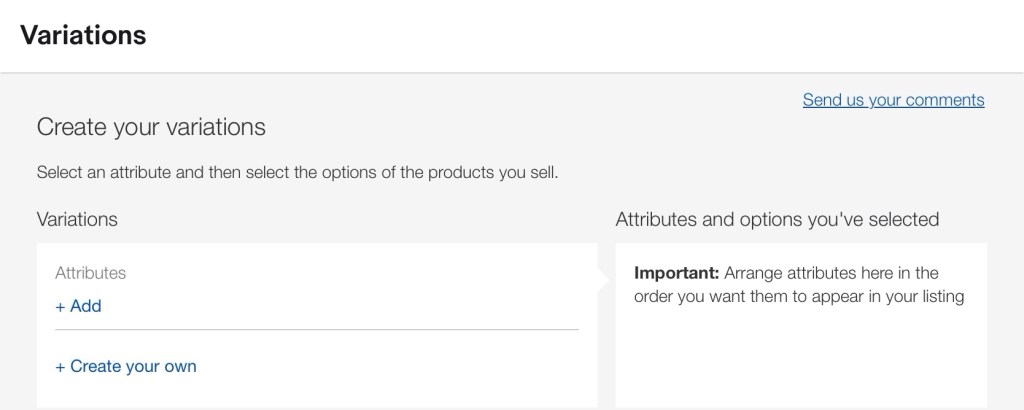
Example

Step 8: Add in your photos, prices, quantities, SKU, and UPC’s as needed.
Save often! I would have the website randomly reload and lose everything.
Example
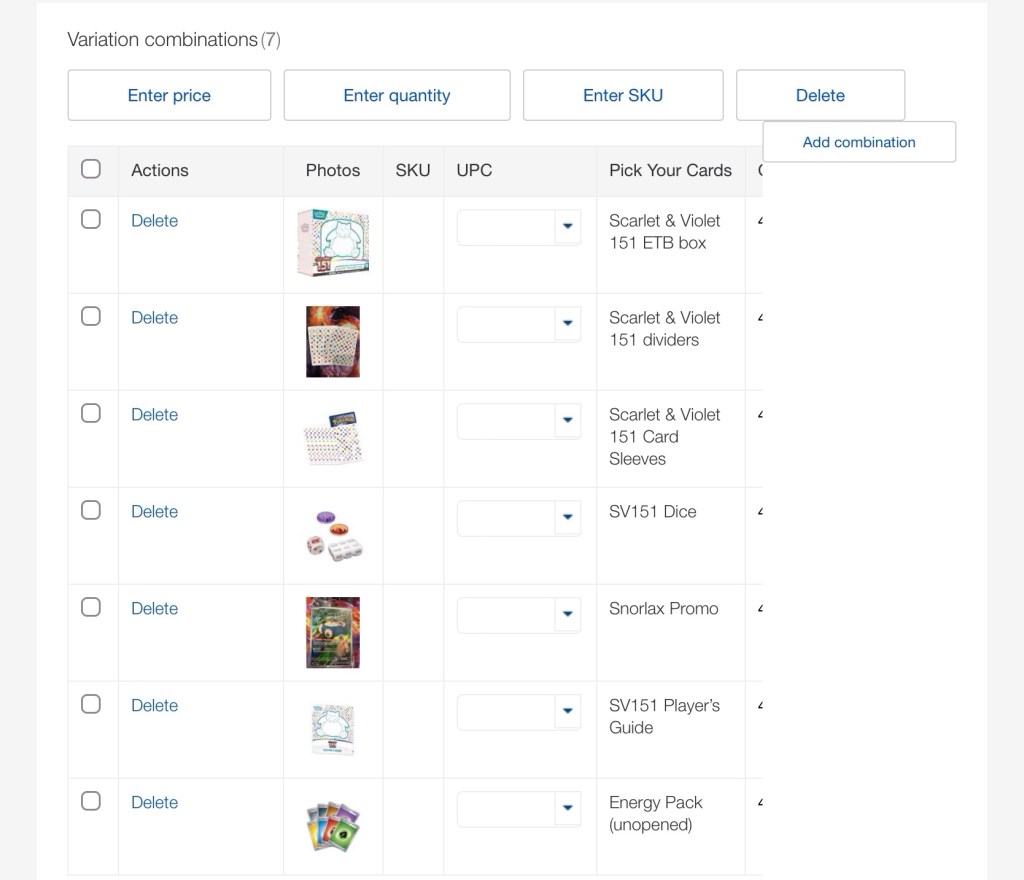
That’s it. Congrats on your first multi-variations listing! Experiment with it. View it on your phone and desktop. You’ll get better over time. Let us know how this will help your auctions.
Note: When you edit in the mobile app, the Variations portion is missing. It’s best to edit on the website for these listings.
Sincerely yours,
smilingdad
Copyright ©2017-2023 smilingdad. Copyright ©2023 pokeashvmax.com. All Rights Reserved. The content produced by this site is for entertainment purposes only. Opinions and comments published on this site may not be sanctioned by and do not necessarily represent the views of smilingdad, its owners, sponsors, affiliates, or subsidiaries.
 smilingdad