
Published on October 25th, 2023

Our Shopify site had a speed score of 41 out of 100. It is slow, slower than an upside down jar of molasses dripping to the floor. It is well known that speed on a website can impact customer satisfaction. Through our search, we discovered our image sizes were way too big! One file we uploaded was 1.8 MB in size!!! Multiply by that a 100 and you can see the issue. You can reduce the image file size, compress it, and save as .webp image. Image optimization and page load times are a key metric of search performance, whether that’s on a website, social media, or auction.

How to optimize image size on an iPhone
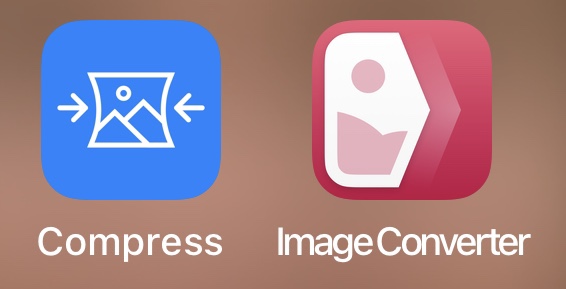
- Open Compress. Select Photos to Compress.

- Select your photo(s)
- Adjust photo qualities and dimensions. We aim for multiples of 320 pixels and have used photo quality: Best.

- Press the compress button
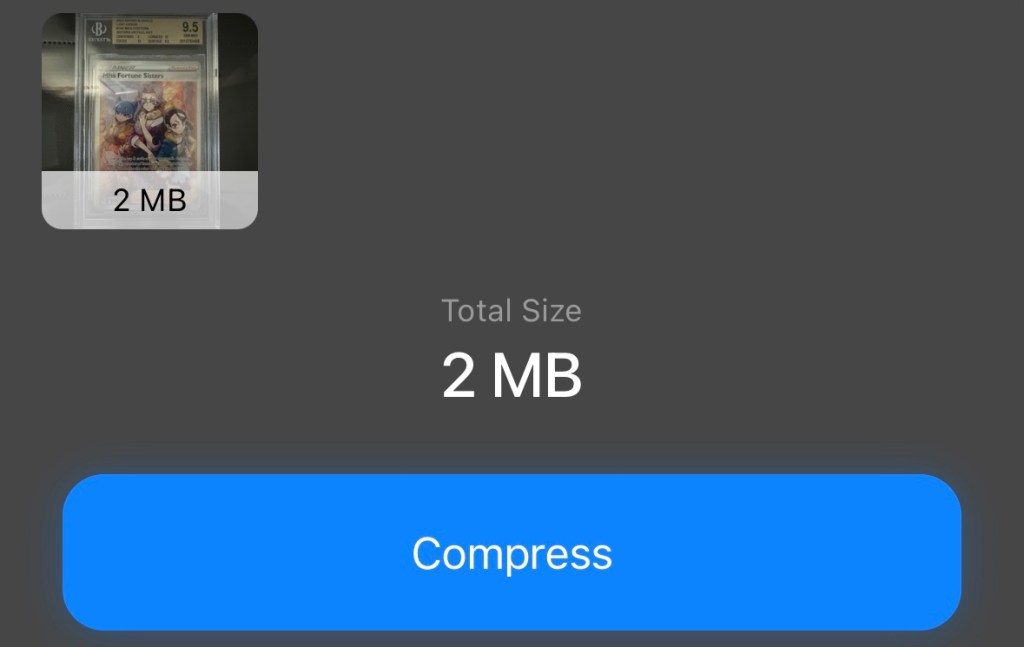
A handy feature, once you resize and compress the photo, you can delete the original.

- Open ImageConverter. First image is free, free 7 day trial. After, you can pay $9.99 for lifetime use or $2.99 a month.
- Click Photos once you open the app

- Find the newly compressed photo
- Convert the .jpeg to .webp format
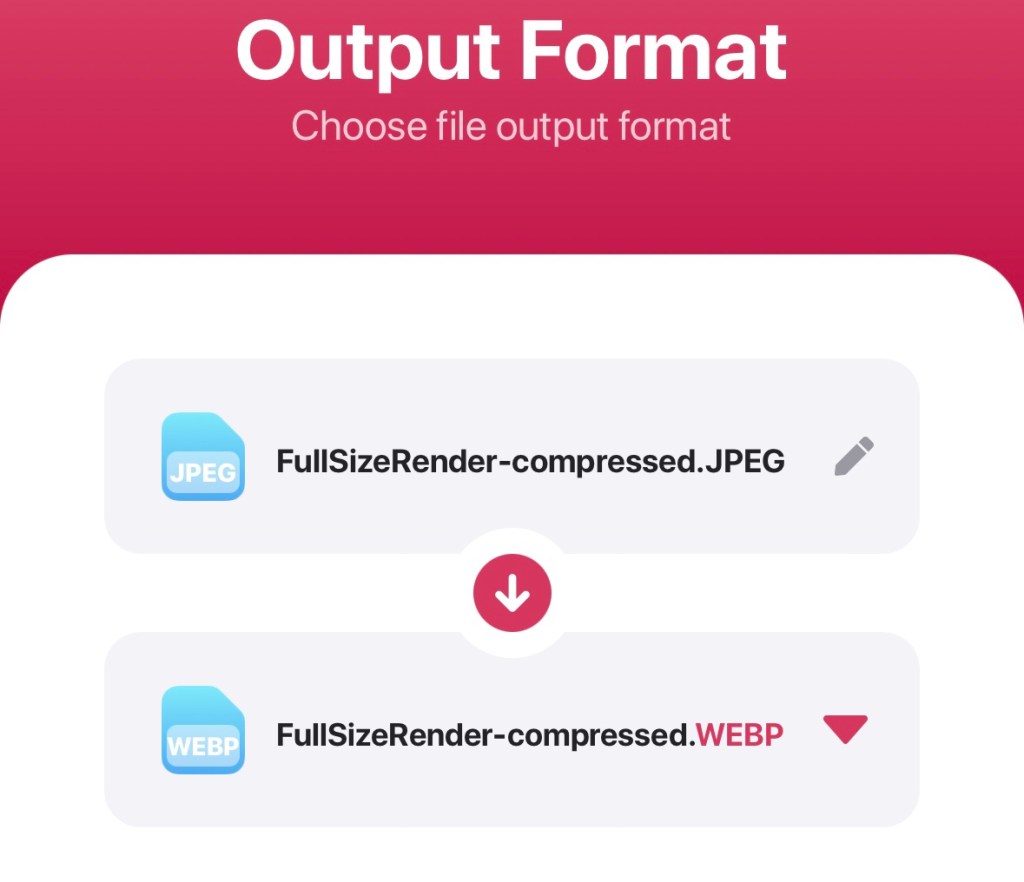
- Convert the file
- Share the converted file
- Save Image
- Note the new image will show up next to the compressed image. If the original photo is 5 days old, it will show up next to it.
- Behold the new mobile ready format!
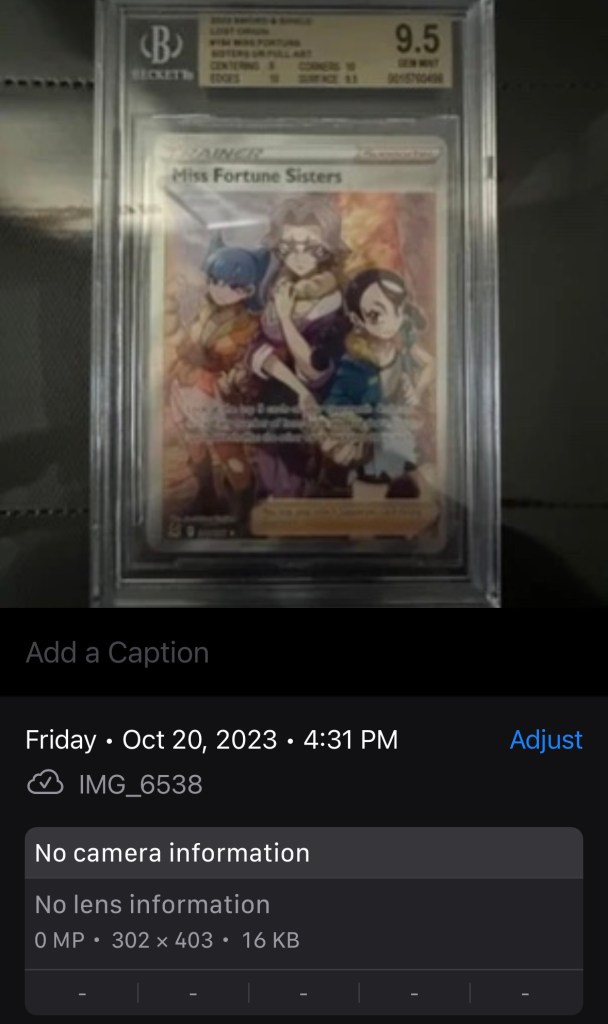
Upload and use your photos where you normally would.
For us, this includes:
- WordPress
- Other blogging sites
- Threads
- Shopify
- ebay
Now your site will load faster and be more responsive to your users! We’re sure there are faster ways to resize, compress, and reformat images. If you know of a better method, drop us a note. This way works for us and is not too expensive to use!
Tip: taking a screenshot of a photo reduces the image size by a lot.
Sincerely yours,
smilingdad
Copyright ©2017-2023 smilingdad. Copyright ©2023 pokeashvmax.com. All Rights Reserved. The content produced by this site is for entertainment purposes only. Opinions and comments published on this site may not be sanctioned by and do not necessarily represent the views of smilingdad, its owners, sponsors, affiliates, or subsidiaries.
 smilingdad